
How To Use Printable Sticker Paper
Getting Started with Printable Sticker Paper
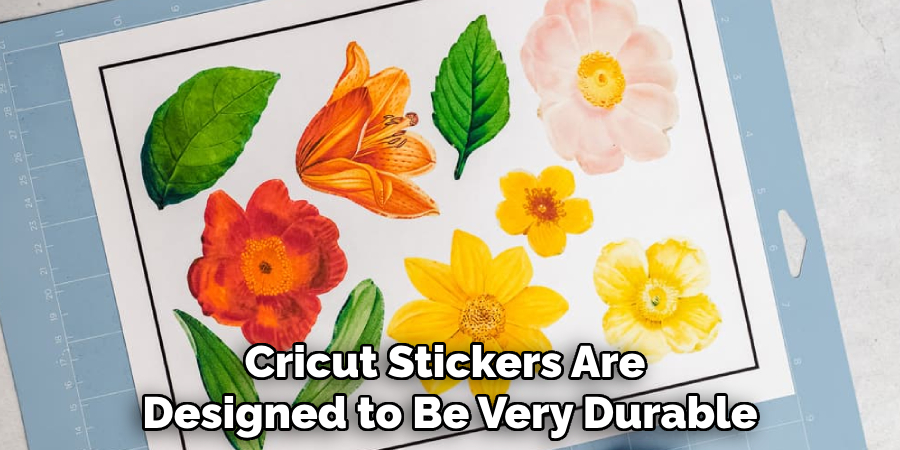
Printable sticker paper is a versatile and fun material that can be used for a variety of purposes, from business marketing to craft projects. With the right tools and techniques, you can create custom stickers that are both professional-looking and easy to use. In this article, we'll show you how to use printable sticker paper to create your own custom stickers.
To get started with printable sticker paper, you'll need a few basic supplies. These include a printer, a cutting tool such as scissors or a craft knife, and a surface to apply your stickers to. You'll also need to choose the right type of sticker paper for your project. There are several different types of sticker paper available, including glossy, matte, and clear, so be sure to select the one that best fits your needs.
Tips and Tricks for Using Printable Sticker Paper
Once you have your supplies, you can start creating your custom stickers. Begin by designing your sticker on your computer using a software program such as Adobe Illustrator or Microsoft Word. You can use a pre-made template or create your own design from scratch. When you're happy with your design, print it out onto the sticker paper using your printer. Be sure to follow the manufacturer's instructions for printing on sticker paper, as the settings may vary depending on the type of paper you're using.
After you've printed out your stickers, you can cut them out using scissors or a craft knife. You can also use a cutting mat or other tool to help you get clean, straight cuts. To apply your stickers, simply peel off the backing and stick them to your desired surface. With a little practice and patience, you can create professional-looking stickers that are perfect for your business, craft project, or personal use.